
IGNOU Result Not Declared or Not Showing: What You Need to Know

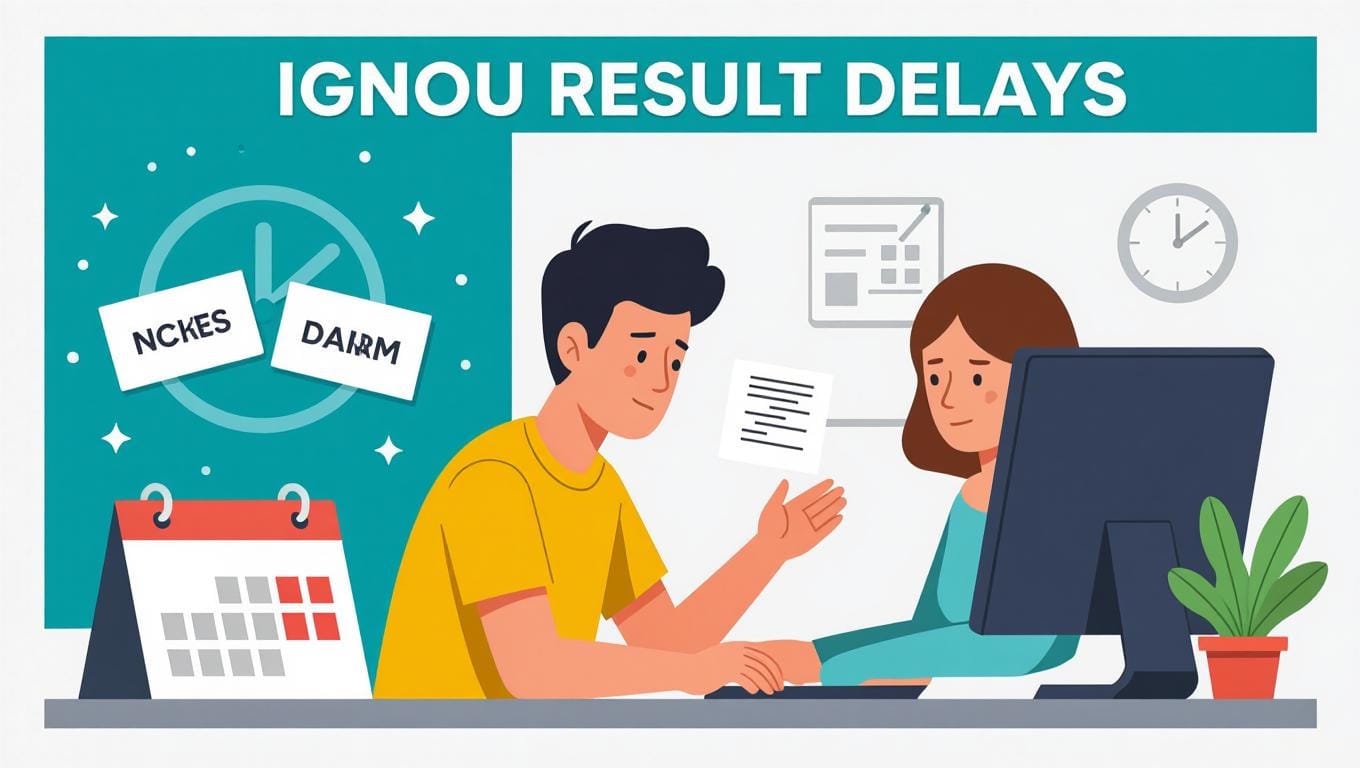
The Indira Gandhi National Open University (IGNOU) is a lifeline for millions of students pursuing distance education in India. However, one recurring issue that students face is the delay in the declaration of IGNOU results or results not showing on the official website. If you’re one of those anxiously waiting for your results, this blog post explores the possible reasons behind the delay, steps to check your results, and what you can do if your result is still not declared.
Why Are IGNOU Results Delayed?
IGNOU caters to a vast number of students across India and abroad, and processing results for such a large cohort can be challenging. Here are some common reasons for delays in result declaration or results not appearing:
- Large Volume of Answer Scripts: IGNOU conducts exams for thousands of students across various programs, and evaluating these scripts manually or digitally takes time.
- Administrative Delays: The process of compiling, verifying, and uploading results involves multiple departments, which can lead to bureaucratic delays.
- Technical Issues: The IGNOU website (www.ignou.ac.in) sometimes faces technical glitches, causing results to not display properly or at all.
- Incomplete Evaluation: If some answer scripts are pending evaluation or there are discrepancies, results for specific courses or students may be withheld.
- Regional Centre Coordination: Results are often processed through regional centres, and miscommunication or delays at these centres can affect the timeline.
- Re-evaluation or Grace Marks: If a student has applied for re-evaluation or if grace marks are being considered, the result may take longer to reflect.
How to Check Your IGNOU Results
If you’re waiting for your results, follow these steps to check them on the official IGNOU portal:
- Visit the Official Website: Go to www.ignou.ac.in.
- Navigate to the Results Section: Click on the “Student Support” tab and select “Results.”
- Select Your Exam Type: Choose between Term-End Examination (TEE), Entrance Exam, or Revaluation results.
- Enter Your Enrollment Number: Provide your 9- or 10-digit enrollment number and submit.
- View Your Result: If declared, your result should appear. If not, you may see a “Result Not Found” message.
Troubleshooting Tips
- Double-Check Enrollment Number: Ensure you’ve entered the correct enrollment number.
- Clear Browser Cache: Technical issues may arise due to browser cache. Clear it or try a different browser.
- Check Announcements: Look for any updates or notifications on the IGNOU website or your regional centre’s page regarding result delays.
What to Do If Your Result Is Not Declared or Not Showing
If your result is still not declared or not displaying, here’s what you can do:
- Contact Your Regional Centre: Reach out to your IGNOU regional centre with your enrollment number and exam details. They can provide specific updates about your result status.
- Email IGNOU Support: Send an email to sedgrievance@ignou.ac.in or the relevant department with your query, including your enrollment number, program, and exam session.
- Visit the Student Service Centre: If you’re near an IGNOU regional or study centre, visit in person to inquire about your result.
- Check for Official Notifications: IGNOU often releases notices about delayed results or technical issues on their website or social media platforms like X.
- Be Patient: Result declaration can take 1-2 months after exams, sometimes longer for specific courses. Regularly check the website for updates.
Common Scenarios and Solutions
- “Result Not Found” Error: This could mean your result is still under processing or there’s a technical glitch. Verify your enrollment number and try again later.
- Partial Results Displayed: If results for some courses are missing, it may be due to pending evaluations or withheld results. Contact your regional centre for clarification.
- Marks Not Updated After Revaluation: If you applied for revaluation, the updated marks may take additional time to reflect. Follow up with the evaluation department.
How to Stay Updated
To avoid unnecessary stress, keep an eye on these sources for updates:
- IGNOU Website: Check the “Alerts” or “Announcements” section regularly.
- Regional Centre Notices: Visit or call your regional centre for region-specific updates.
- Social Media: Follow IGNOU’s official accounts on platforms like X for real-time announcements.
- Student Forums: Engage with IGNOU student groups on X or other platforms to share experiences and get insights from peers facing similar issues.
Conclusion
Waiting for IGNOU results can be frustrating, especially when they’re delayed or not showing. However, understanding the reasons behind these delays and taking proactive steps can help you resolve the issue faster. Regularly check the official website, contact your regional centre, and stay updated through IGNOU’s announcements. If your result is still not declared, don’t panic—reach out to IGNOU’s support channels for assistance.
Stay patient, and your results will likely be available soon. If you have specific concerns or experiences with IGNOU result delays, share them in the comments below or on platforms like X to connect with other students!
my enrollment number is 2500539798. still my result is awaited for two subjects.